

Introduction
In this chapter, you will learn how to make complaints online and how to find a contact for an appropriate person. You will also discover what online complaints look like; this may sometimes surprise you. With this knowledge, you should feel more confident when using online groups.
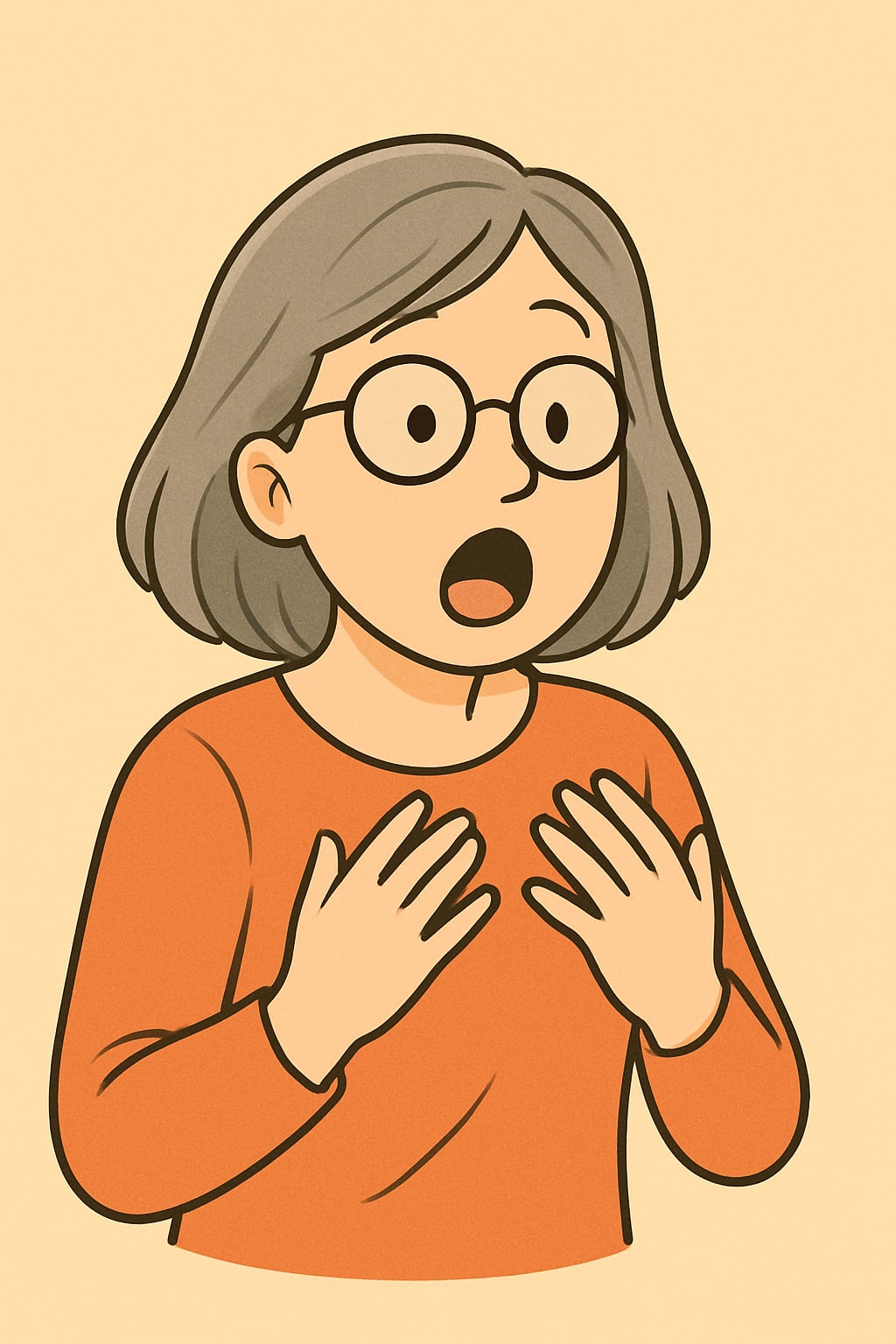
Anna faced an unpleasant situation today. On one of the online groups where she is a member, someone has posted inappropriate content. She knew that it should not have happened and that someone should react, but she did not know what to do. Let’s discover it with her.
Have you ever seen inappropriate content in one of your online groups? Then you should also familiarise yourself with this symbol:
Do you recognise it? It means more or less “more details”. In most cases, it should be in the right upper corner of the group’s webpage and posts. When clicking it, you may see different options, and the one you should choose is “report”. You will likely be asked to explain the reason for reporting.
Reporting on online groups is simple and just requires choosing an already prepared option. Let’s try to do it now.
Imagine that somebody published a hateful video on a social group
It was simple, wasn’t it? In most cases, you do not even need to write anything; you just click on options.
Summary

Well done! In this lesson, you learnt how to report inappropriate content, make complaints, and find contact information for editors, administrators, and public officials. Although it is very useful knowledge, we really hope that you will never need to use it.