Lesson 3: Chosen AI Tools (M5-U4-L3)

M5-U4-L3 Banner

Introduction

In this chapter, you will discover what you can create thanks to some chosen free AI tools. You will also learn how and when you can use AI legally, as well as how to avoid offending other internet users. This should help you to become a respectful and fair content creator.
Explanation

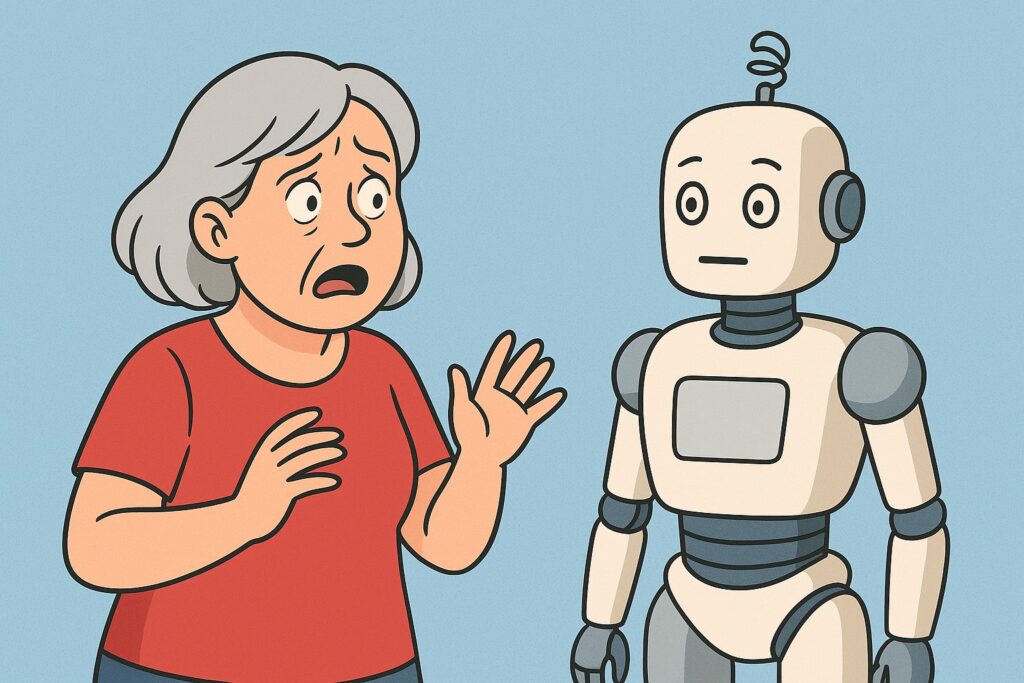
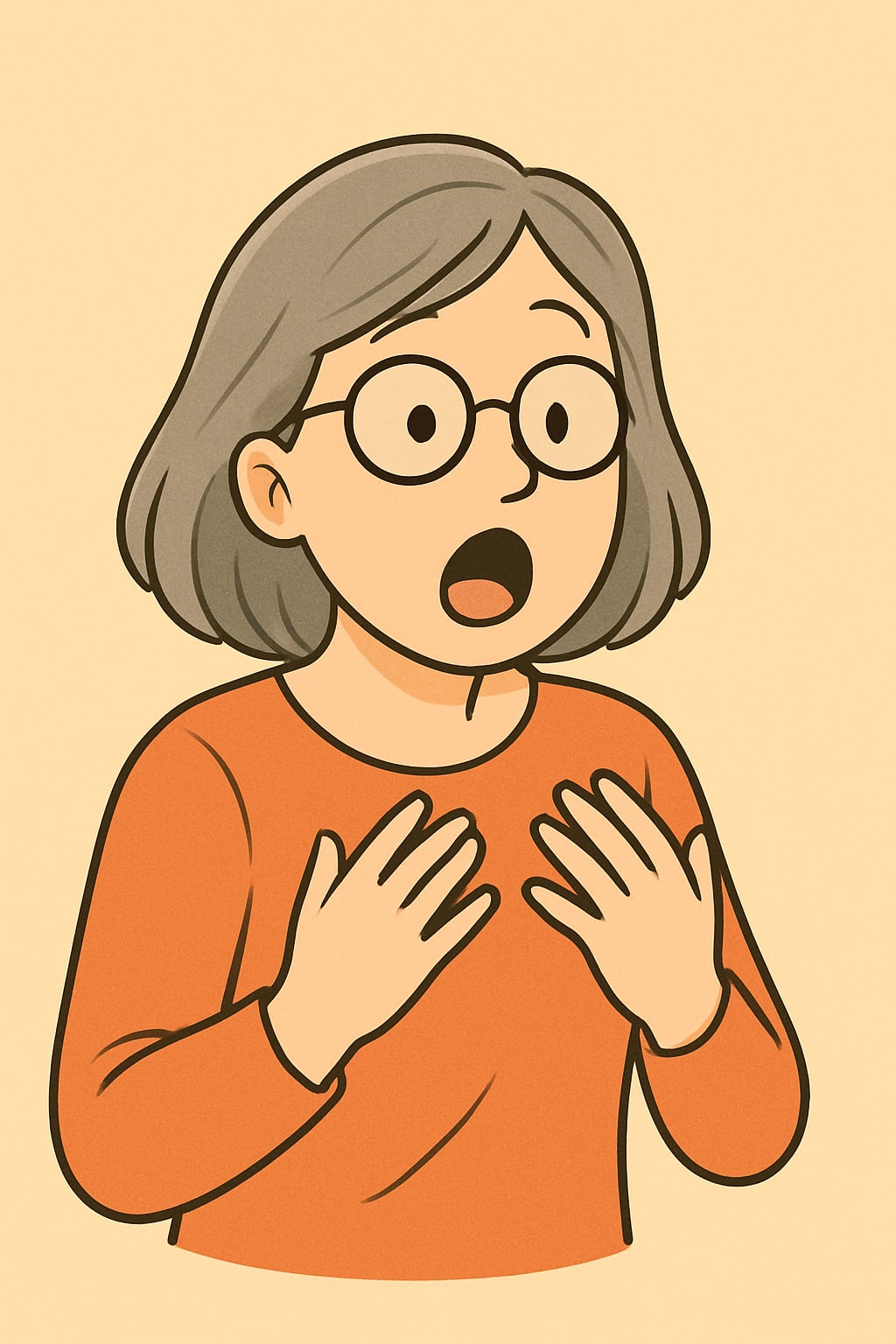
M5-U4-L3-B Anna is astonished

Meet Anna! She will be our companion in this module. Anna already knows how to use a computer, but her journey through online communities is just beginning. She knows that different groups talk to each other in different ways, and wonders if it will be the same on the internet. Anna also wonders how to communicate with young people and not stand out too much.

Creating images with ChatGPT

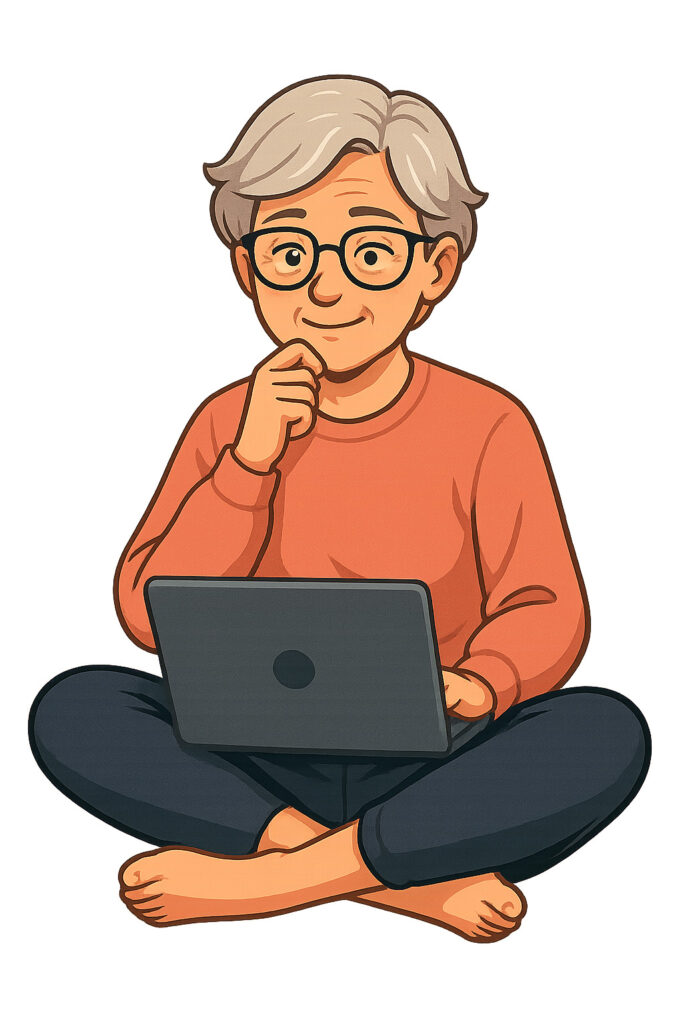
Do you remember Anna? It’s our AI-created companion. She was created thanks to chatgpt.com. In the first lesson of this module, you learnt that AI is a learner itself. Now you can see a brilliant example, and you will also learn how Anna was created.

When creating Anna for the first time, we used the command:

“Please create a nice picture of a lady in her 60s. The style is a bit cartoonish, a picture without a background.  We want this character to accompany us in each lesson and be sort of a guide for the elderly learners, but also a learner”

That is how Anna was made for the first time. As we saw her, we added a new command

“Remember that her name is Anna”

Now, everything is simple; we just need to write “Create Anna…” and add any mood or situation.

Do you remember Annas from this module? Let’s take a look at her in different situations.
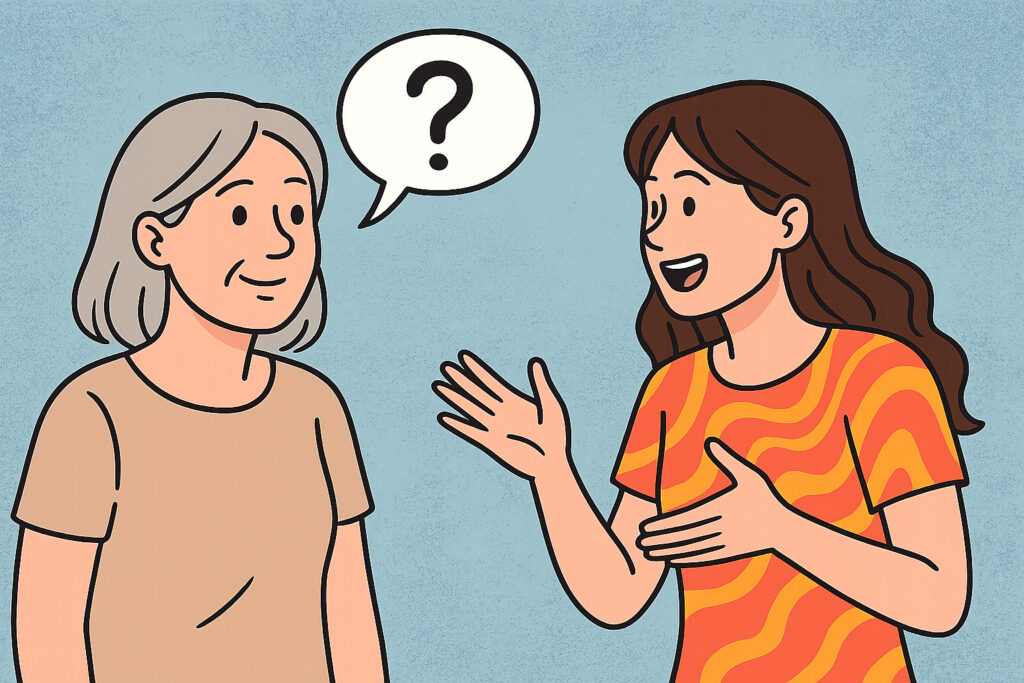
*Remember that ChatGPT can make mistakes, and that is why Anna sometimes looks different. AI also creates pictures individually, so if you would like to create Anna, she can look completely different from Anna from this Module. In one day you can also create a limited number of pictures with a free account”

Creating Music with Suno

You already know how to create pictures, but pictures without songs seem incomplete. Visit the website suno.com to create a song matching your picture (created or imagined; you need to log in).

The website works only in the English language, but it creates songs in the language in which you will write the command. During lesson 2 of this unit, you learnt how to write commands for AI. Click “Create” on the left of the website and write your command below the text “Song description”, then click the orange “create” at the bottom.

See what command we used to create a song especially for you.

“Friendly song about the Erasmus+ project called Bonjour. It aims to enhance the critical media literacy of the elderly through digital education and journalism, and prepare a pool of media educators.”

 Click below to listen to the song created with Suno.

Here you can see the text of the song if necessary

[Verse]

In a world of clicks and screens so bright
We’re here to guide
To shed some light
Bonjour Bonjour
The future’s near

Elder voices loud and clear

[Chorus]

Bonjour Bonjour
Come take a chance
Learn to dance in the digital expanse
Words and stories
Old and new

Bonjour
The world’s waiting for you

[Verse 2]

Typing dreams with steady hands
Building bridges
Making stands
Through pixels
Pages Truths unfold
Bonjour brings courage
Young and old

[Prechorus]

From whispers rise the voices strong
Together we belong

[Chorus]

Bonjour Bonjour
Come take a chance
Learn to dance in the digital expanse
Words and stories
Old and new
Bonjour
The world’s waiting for you

[Bridge]

Journalists of wisdom
Teachers of time
Telling tales in rhythm
Prose
And rhyme
A pool of educators
Hearts so wide
Bonjour’s the ship
We’re the tide


*Remember that with the free version, you can use all your songs for non-commercial reasons. Every day you can create five songs (all of them will be created in two versions, so you will get ten songs in total)*

Can I Legally Use AI Materials?

Each AI tool and website has its own rules defining the permissible use of the materials created. In many cases it is simple, and you are the one who is the owner of the rights to the AI content that you have created. It is at least for non-commercial purposes. The details should be regulated by the law of your country.

Law and policy are one thing, but do you know how Internet users perceive the use of AI?

Let’s test if you think like an Internet user. For the next two tasks, please drag the relevant prompt onto the image and drop it there. Check the result!


You did it! Our recommendation? Just be fair with the others and let them know if, and how, you have used AI.

Summary

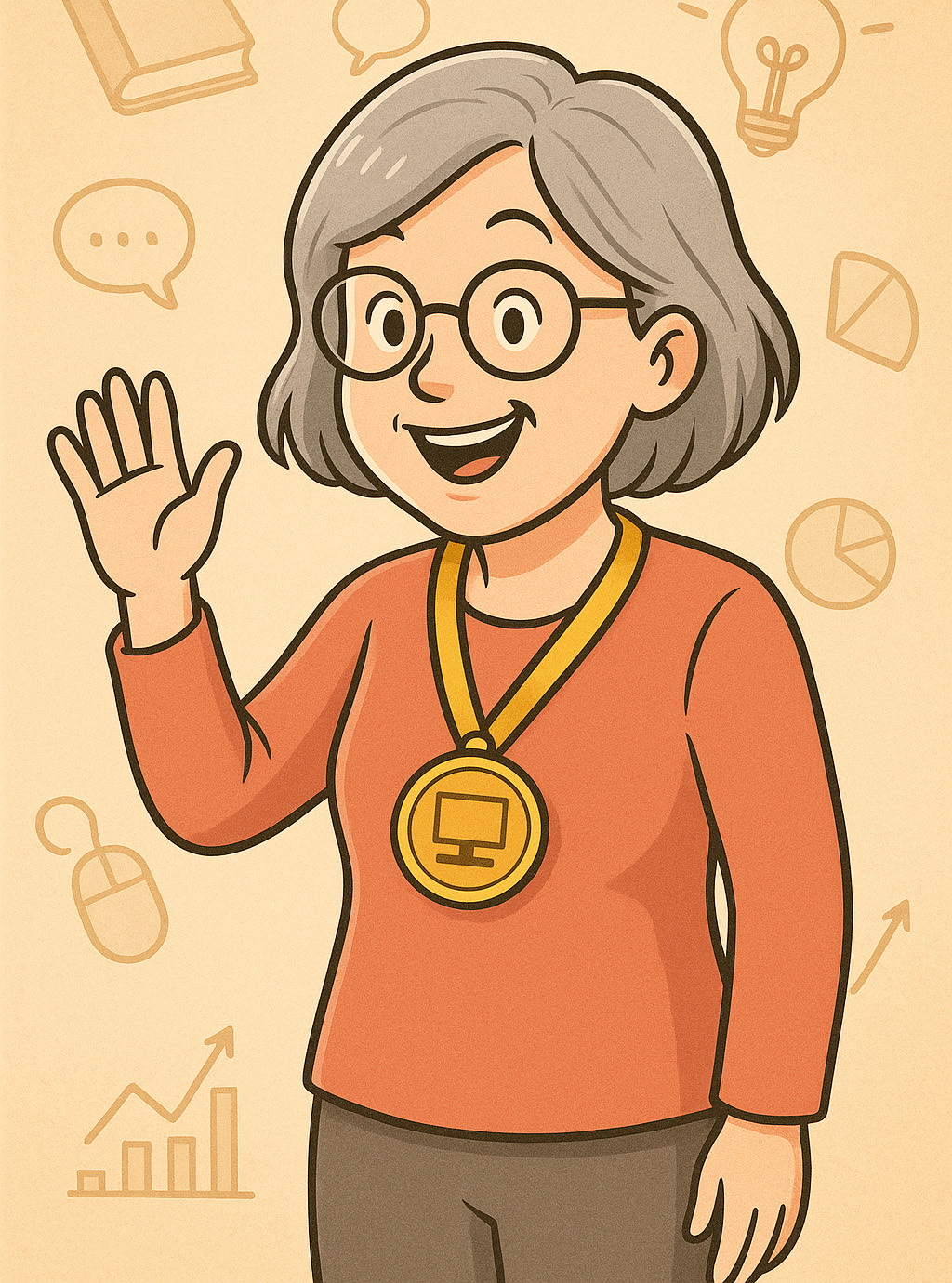
M5-U4-L3-F Anna is happy because she feels successful

Well done! In this lesson, you learnt what and how you can create content with AI. You also know that it is important to check the limitations.

This was the last lesson. We hope you were having fun with us and learnt a lot. You are now a well-prepared Internet user. If you forget something, you can always come back to the lesson that you have already passed.

We would like to wish you good luck in your individual Internet adventures, take care and congratulations! 😀