
Introduction
In this chapter, you will learn what a computer is and how it works. You will discover the difference between hardware (the physical parts) and software (the programs), understand what an operating system does, and learn a bit about how to navigate the internet safely. This will help you feel more confident using digital devices in everyday life.
Addressing Computer Components correctly
Put your digital knowledge to the test with this quick quiz! Explore the key distinctions between the physical parts of a computer (hardware) and the programs that run on them (software).
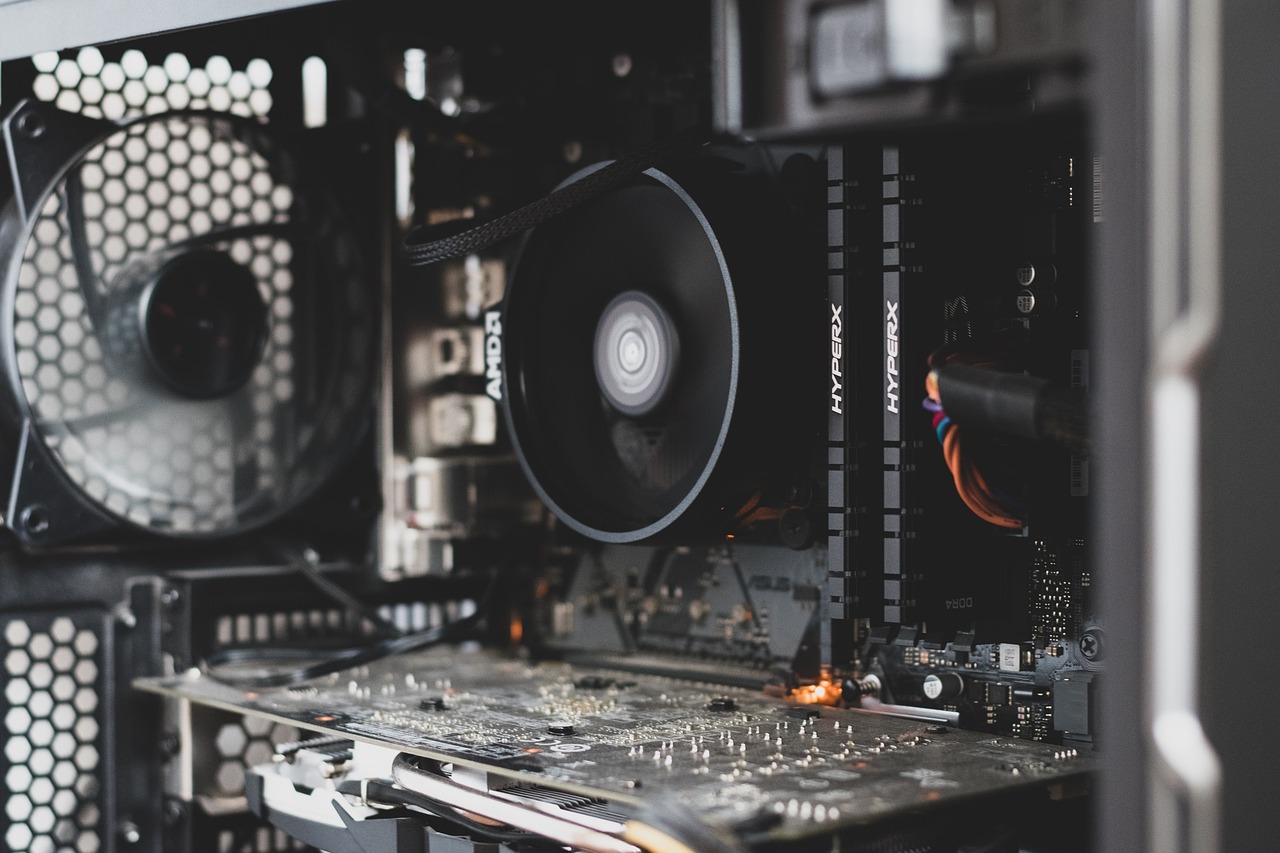
Can you match each tech concept to its real-life role? This activity will help you reinforce understanding of key topics such as multitasking, connectivity, and energy conservation by linking them to everyday technology use.
Summary
Well done! In this lesson, you learned the basics of how a computer works – including what hardware and software are, and what a system like Windows does behind the scenes.
Every step you’ve taken in this lesson helps you become more confident and independent in the digital world.