
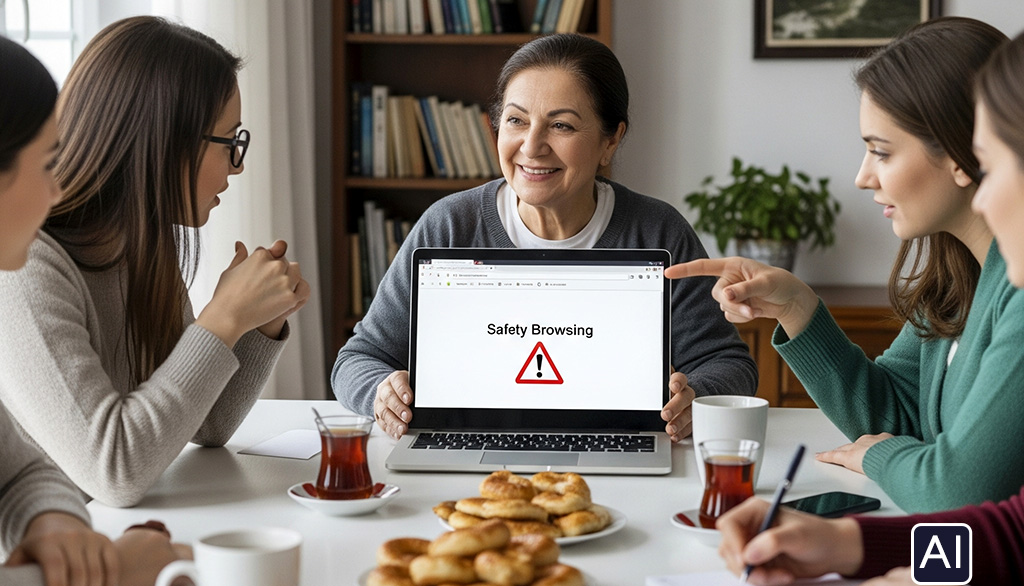
Welcome to our Online Safety Lesson!
Hello, everyone! It’s great to have you here today. The internet is a fantastic tool, but it’s important to know how to stay safe while using it.
In this lesson, we’ll learn some simple tips to help you feel more confident online. We’ll cover three key topics:
HTTPS: What this means and why it’s important for keeping your information secure.
Misleading Websites: How to spot fake websites that try to trick you.
Pop-ups and Redirects: What to do when unexpected windows appear.
Let’s get started and learn how to browse safely!
Ahmet and his friends, Elif and Can, were having digital problems like pop-up ads and suspicious websites. Ahmet asked his grandmother, Aunt Ayşe, for help. She prepared a lesson to teach them how to browse safely.

M2-U3-L2-B by Hasan Y
Summary of the lesson
By understanding common threats like insecure websites (lacking HTTPS), misleading domain names, and automatic redirects, you can protect yourself online. This knowledge is incredibly useful in daily life because it helps you spot scams and avoid them before you fall victim. Recognizing these red flags empowers you to keep your personal information, such as passwords and financial details, safe from cybercriminals. In short, these lessons provide the essential skills to navigate the internet more safely and confidently.