
Introduction
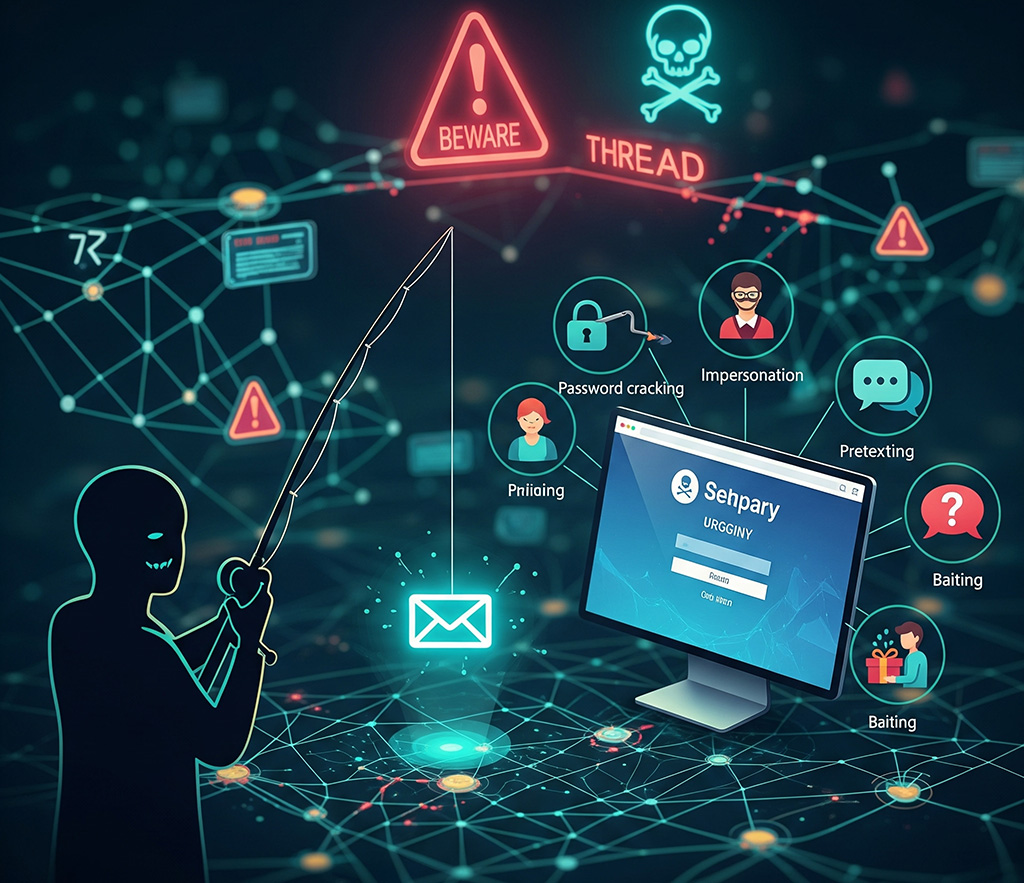
Hello everyone. Today, we’re going to talk about a very important topic: protecting yourselves from online threats. Phishing and social engineering are two common methods attackers use to trick people into giving up their personal information. We will explore how to identify malicious links in emails and messages and recognize fake login pages designed to steal your data. By the end of this session, you’ll be able to spot these scams and better protect your digital life. Remember, a little awareness goes a long way in staying safe online.
Aunt Ayşe’s New Digital Safety Adventure
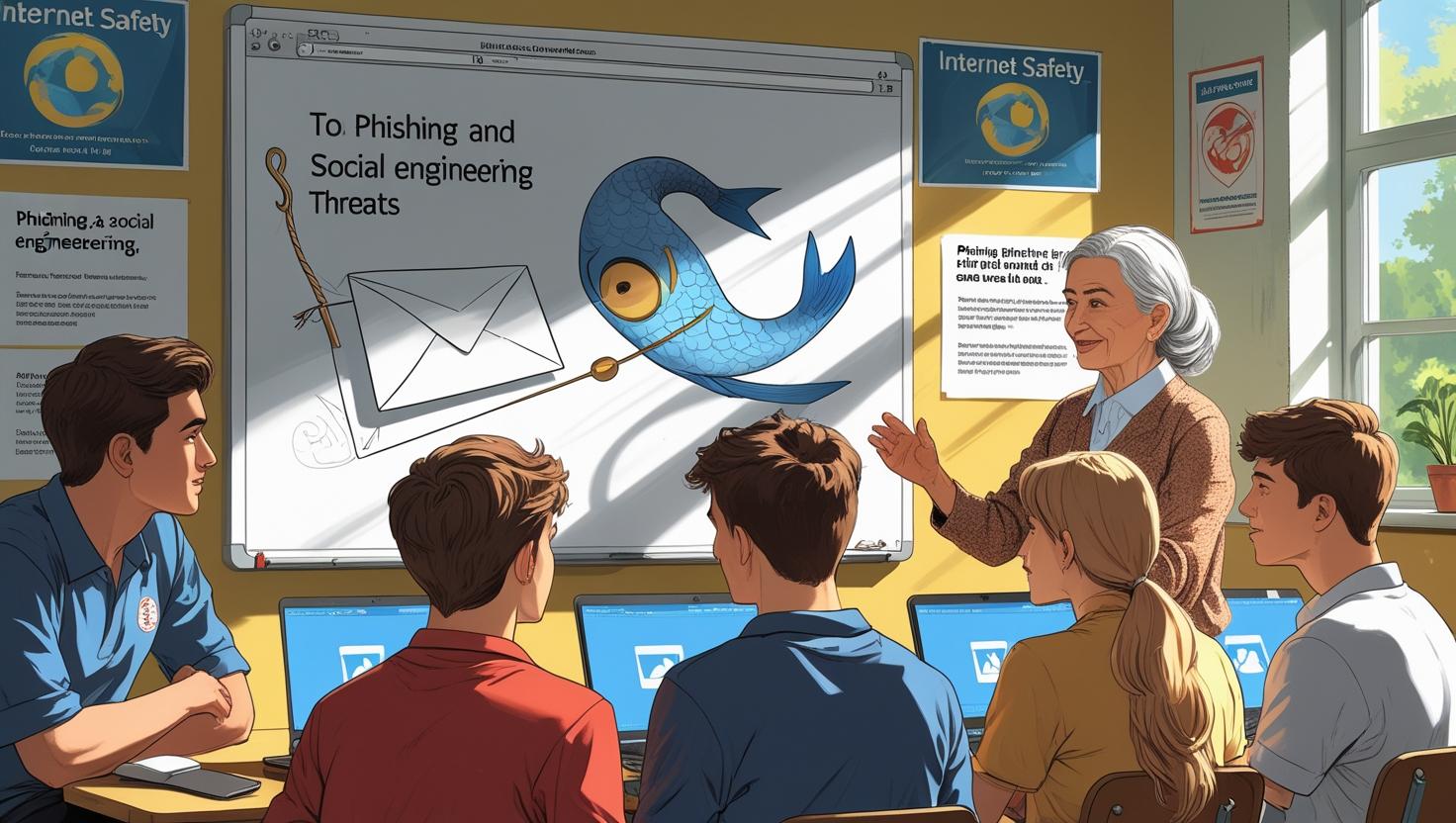
After her grandson and his friends had such a great time with her last lesson, they’ve asked Aunt Ayşe for another one. They’re fascinated by her creative way of explaining complex topics. This time, they’ve brought her a new challenge: phishing and social engineering.
Aunt Ayşe smiles, thinking about the best way to explain this. She decides to use her talent for storytelling and a few real-life metaphors. She’ll compare digital attacks to a ‘digital fishing expedition’ and show them how to spot the ‘bait’ and ‘hooks’ that attackers use. Likewise, she prepares a simple but clever slide deck to guide the kids through their new digital safety lesson.
M2-U3-L3-B by Hasan Y
Summary of the lesson
Today, we became digital detectives to learn about phishing and social engineering. We discovered how attackers use tricks, like fake emails and websites, to “fish” for our personal information. We learned to spot red flags like strange addresses and spelling mistakes, and we practiced checking a website’s URL to make sure it was real. By following a few simple rules, we can protect ourselves and stay safe online.