
Introduction
Protecting Your Mobile Phone
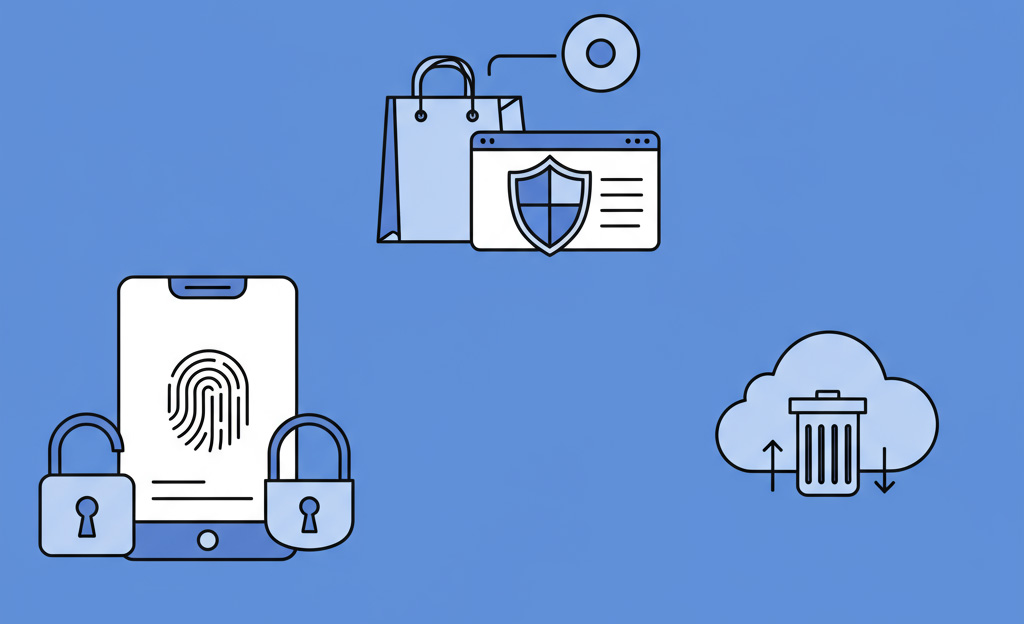
Have you ever thought about how important your mobile phone is? It holds your pictures, contacts, and even your banking information. In this lesson, we will learn simple ways to keep your phone and the important things on it safe. We will talk about how to use passwords and fingerprints to lock your phone, why it is a good idea to only get apps from a safe place, and what to do if you ever lose your phone. By the end of this lesson, you will know how to be a smart and safe mobile phone user.
Summary of the lesson:
This lesson taught us that our mobile phones are valuable and need to be protected. We learned that the easiest first step is to use a screen lock, whether with a password, a pattern, or a biometric feature like our fingerprint or face. We also learned to be careful about where we get our apps, sticking only to official stores and paying close attention to the permissions an app requests. Finally, we discovered helpful tools like “Find My Phone” to locate a lost device and the “Erase Everything” button as a last resort to protect our personal information.